
Introduction: Why Camera Lens Repair Matters
If your photos are looking cloudy, streaky, or out of focus, you might be facing a common but fixable problem — a dirty or damaged lens. Camera Lens Repair can bring your device back to life, whether you’re using a DSLR, mirrorless camera, or smartphone.
At Arora Tech, we regularly see customers who assume they need a new camera or phone when all they really need is a lens cleaning, recalibration, or minor repair. Before spending hundreds on replacements, understanding the basics of Camera Lens Repair can save you time, money, and stress.
Whether your issue stems from fingerprints, dust, moisture, or an internal lens misalignment, this article will walk you through 9 powerful fixes that professionals use — and how you can safely try some of them at home.
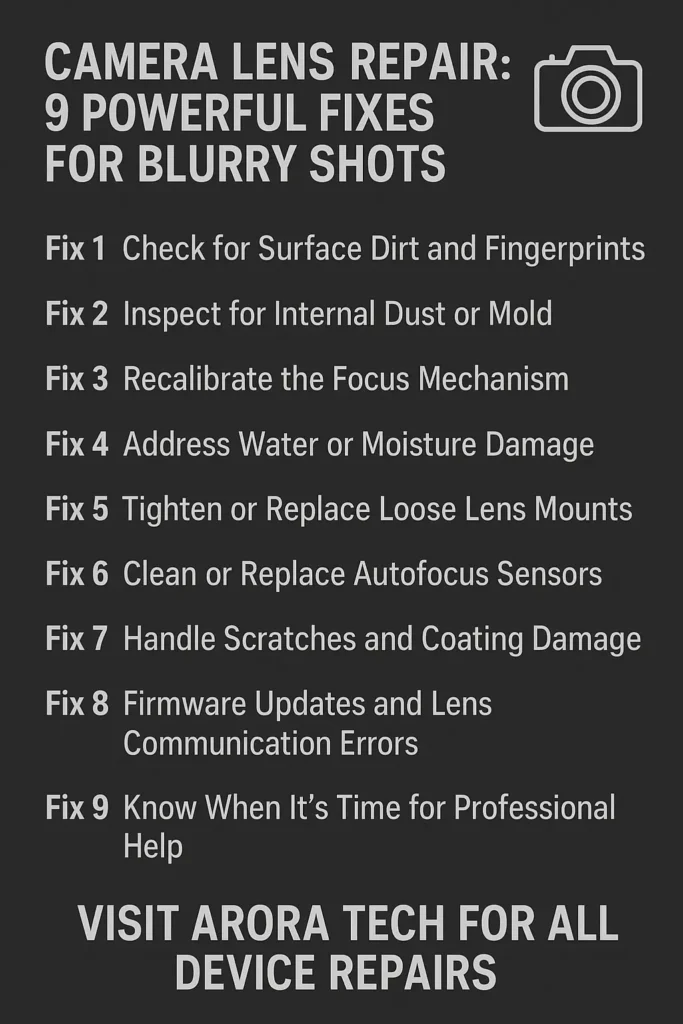
1. Check for Surface Dirt and Fingerprints
One of the simplest causes of blurry photos is also the easiest to fix: surface smudges. Fingerprints, pocket lint, or makeup residue can scatter light and make your photos appear foggy.
How to fix it:
- Use a microfiber cloth or lens-cleaning tissue to gently wipe the glass surface.
- Avoid using shirts or paper towels — these can scratch coatings.
- If there’s oil or residue, apply a drop of lens-cleaning solution made for optical glass.
If you’ve done this and your photos still look off, don’t panic. It could mean the issue is internal — something that Camera Lens Repair can address more deeply.
2. Inspect for Internal Dust or Mold
Dust inside the lens elements or mold growing between layers can cause consistent haze or loss of sharpness. These issues aren’t always visible, but you may notice circular shadows or light smears when shooting in bright environments.
What you can do:
- Shine a small flashlight through the lens from one end to check for dust spots.
- If you see haze or a spiderweb-like pattern, it could be fungal growth — often from storing the camera in humid environments.
- Do not attempt to open the lens yourself. Internal optical cleaning requires precise alignment tools and cleanroom conditions.
For this issue, visit professionals at Arora Tech. Their technicians have the specialized equipment and controlled environment needed for internal Camera Lens Repair.
3. Recalibrate the Focus Mechanism
Sometimes your photos appear slightly off-focus even though the camera indicates a perfect lock. This might not be your eyesight — it’s a focus calibration issue.
For interchangeable lens cameras, focus errors happen when the lens and sensor become slightly misaligned due to impact or wear.
At-home check:
- Use a tripod and shoot a page of printed text at a 45° angle.
- Review which area is sharp — if the focus point shifts forward or backward, calibration is needed.
While some DSLR models allow for micro-adjustments in their settings, smartphones and compact cameras don’t. In those cases, you’ll need a Camera Lens Repair technician to recalibrate the focus motors and ensure perfect accuracy.
4. Address Water or Moisture Damage
Water is one of the biggest enemies of camera lenses. Even a small amount of condensation can lead to foggy images or internal corrosion.
Quick fixes:
- If your device was recently in a humid area, seal it with silica gel packets in a ziplock bag for 24–48 hours.
- Avoid using rice — it doesn’t effectively absorb internal moisture and can introduce dust.
- Do not use heat guns or hairdryers; they can damage coatings and adhesives.
If moisture has reached internal glass or electronics, you’ll need professional Camera Lens Repair. The experts at Arora Tech can safely open, dry, and reseal the lens assembly to prevent future fogging.
5. Tighten or Replace Loose Lens Mounts
A loose or damaged lens mount can cause the entire lens to tilt slightly, resulting in uneven focus across your photos. You may notice one side sharp while the other side appears blurry.
How to fix it:
- For detachable lenses, inspect the mount ring for loose screws.
- For smartphones, check that the lens housing isn’t popping out from the body.
- Avoid tightening smartphone lenses manually — their alignment is incredibly precise.
Professional repair centers like Arora Tech use digital micrometers and alignment jigs during Camera Lens Repair to restore optical precision without damaging internal components.
6. Clean or Replace Autofocus Sensors
If your camera is struggling to focus, especially in low light, the problem might not be the lens itself — it could be a dirty or misaligned autofocus sensor.
Signs of autofocus trouble:
- The camera hunts for focus but never locks.
- It locks focus, but the image turns out soft.
- The issue occurs more with one specific lens or zoom range.
At-home fix:
- Clean the autofocus assist window with a microfiber cloth.
- Reset the camera to factory settings to clear firmware errors.
If the problem persists, professional Camera Lens Repair may involve cleaning or replacing internal AF sensors — a delicate process best left to experienced technicians.
7. Handle Scratches and Coating Damage
Scratches on the lens surface or damaged anti-reflective coatings can reduce contrast and introduce flare. While minor scuffs can sometimes be masked with software, deep scratches require attention.
What not to do:
- Avoid using toothpaste or abrasive polish — these cause more harm than good.
- Never apply oil or wax on the lens.
Professional fix:
During Camera Lens Repair, trained experts assess whether a scratch is on the surface coating or within the optical element. They can replace front elements or recoat lenses with specialized materials that restore optical clarity — often much cheaper than buying a new lens.
8. Firmware Updates and Lens Communication Errors
Modern lenses and cameras communicate through tiny electronic contacts. If your camera displays “Lens Error,” “Cannot Communicate,” or autofocus fails intermittently, it may be due to firmware or contact issues.
At-home steps:
- Clean lens contacts gently using a dry cotton swab.
- Check the manufacturer’s website for firmware updates.
- Restart the camera after updating.
If this doesn’t help, Camera Lens Repair might involve replacing the communication flex cable or recalibrating the contact board — both require professional expertise.
9. Know When It’s Time for Professional Help
If you’ve tried cleaning, recalibrating, and checking your settings but your photos are still blurry, it’s time to hand it over to professionals.
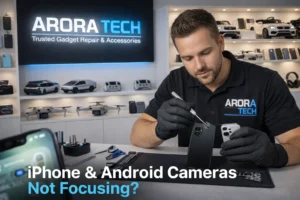
At Arora Tech, experienced technicians handle Camera Lens Repair for smartphones, DSLRs, and mirrorless cameras using precision tools and genuine parts. Whether it’s a cracked lens element, water damage, or focusing error, the team can diagnose and repair your device with care and accuracy.
Why choose Arora Tech:
- Located conveniently next to UGG’s at 100 Premium Outlets Dr Store #785, Gloucester Premium Outlets, Blackwood, NJ 08012, United States (Google Maps Link).
- Offers same-day repairs for most lens and screen issues.
- Uses advanced diagnostics for precise results.
- Transparent pricing and excellent customer reviews.
You can easily schedule your repair online or contact the team directly via Call Now or Email.
Preventing Future Lens Problems
Once your lens is working again, prevention is key. Here’s how to keep it in top condition:
- Always store your device in a dry, cool place.
- Use silica gel in your camera bag.
- Avoid touching the lens with bare fingers.
- Keep a UV or clear protective filter on DSLR lenses.
- Schedule regular cleaning — once every 3–6 months.
By keeping your device maintained, you’ll reduce the need for Camera Lens Repair and enjoy sharper, more vibrant photos every time.
The Cost of Camera Lens Repair
Costs vary depending on the issue:
- Lens Cleaning: $40–$80
- Focus Calibration: $60–$100
- Lens Element Replacement: $120–$250
- Electronic or Motor Repairs: $100–$180
While DIY might seem cheaper, the risk of further damage often leads to higher costs later. Professional Camera Lens Repair ensures the job is done right the first time.
Common Myths About Camera Lens Repair
Myth 1: All blurry photos mean your lens is broken.
Truth: Sometimes it’s just a smudge or incorrect settings.
Myth 2: DIY kits can fix everything.
Truth: Many kits lack proper alignment tools and can worsen optical accuracy.
Myth 3: Repair isn’t worth it — better to buy new.
Truth: Professional Camera Lens Repair can restore lenses to like-new condition for a fraction of replacement cost.
Myth 4: Only camera lenses need attention.
Truth: Smartphone lenses can be repaired too, especially premium models like Samsung Galaxy, iPhone, and Pixel devices.
Final Thoughts: Don’t Settle for Blurry Memories
Your photos tell your story — don’t let blur or haze take that away. Whether it’s your smartphone or your DSLR, clear images are just a few smart fixes away.
Camera Lens Repair is more accessible and affordable than most people realize. From basic cleaning to complex realignment, there’s almost always a solution.
If you’re unsure where to start, stop by Arora Tech at Gloucester Premium Outlets, Store #785, next to UGG’s. Their technicians can quickly assess your device and recommend the best repair option.
📞 Call Now | 📧 Email | 📍 Get Directions
For professional lens repair and all other device services, visit our Services Page or read more helpful guides on our Blog.
And before you leave, check our reviews on Google — your neighbors already trust Arora Tech for reliable and fast device repairs.


 by
by
2 Responses
Your article helped me a lot, is there any more related content? Thanks!
Thank you for your sharing. I am worried that I lack creative ideas. It is your article that makes me full of hope. Thank you. But, I have a question, can you help me?