
Introduction
Few things are as frustrating as powering up your PlayStation or Xbox, only to see a black screen staring back. For gamers, a faulty HDMI connection can feel like a nightmare. The port that delivers high-definition audio and video is also one of the most fragile components inside your console — and one of the most commonly damaged.
That’s where Console HDMI Repair comes in. Whether it’s a broken port, loose connection, or internal motherboard issue, a proper HDMI repair can restore both your visuals and your sanity. In this guide, we’ll break down the seven most painful HDMI issues that ruin gaming and explain what you can do about each — including when it’s time to bring your console to Arora Tech, the trusted repair shop at Next to UGG’s, 100 Premium Outlets Dr Store #785, Gloucester Premium Outlets, Blackwood, NJ 08012, United States.
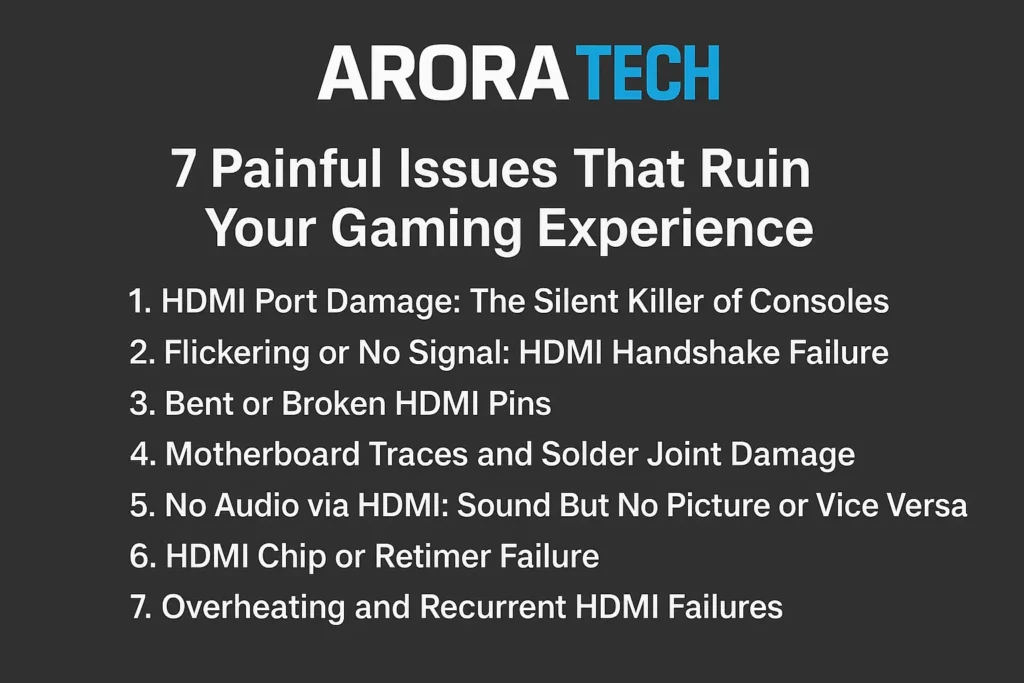
1. HDMI Port Damage: The Silent Killer of Consoles
One of the most common reasons for Console HDMI Repair is physical port damage. Over time, constant plugging and unplugging can bend or loosen the port pins. This is especially common on PlayStation 4, PlayStation 5, and Xbox Series X/S consoles.
If your HDMI cable doesn’t “click” into place or feels loose, the internal connector may have detached from the motherboard. You might still get audio without video, or the screen might flash intermittently.
How to Check
- Gently insert the HDMI cable and check for looseness
- Try a different HDMI cable or monitor
- Look inside the port with a flashlight — bent or missing pins indicate physical damage
When you notice these symptoms, avoid pushing or wiggling the cable, as this can damage the motherboard traces. Instead, bring it for a professional inspection at Arora Tech. Their technicians perform precision HDMI port replacements using micro-soldering tools designed for console motherboards.
You can even start the process by filling out the Repair Form for quick scheduling.
2. Flickering or No Signal: HDMI Handshake Failure
Another frustrating problem involves the HDMI “handshake” — the process that allows your console and TV to communicate securely. When this handshake fails, you’ll get a “No Signal” message or a flickering display.
This issue doesn’t always mean the HDMI port is broken. Sometimes, it’s caused by:
- Faulty cables
- Firmware glitches
- Incompatible resolutions
- Static charge buildup
How to Troubleshoot
- Turn off your console and unplug all cables.
- Wait for 5 minutes.
- Plug the HDMI cable directly into your TV (avoid using HDMI splitters).
- Restart both devices.
If the flicker persists, it could mean internal HDMI controller damage — something best handled by Console HDMI Repair experts like Arora Tech in New Jersey. Their team uses diagnostic tools to verify signal integrity before replacing any parts.
3. Bent or Broken HDMI Pins
Inside every HDMI connector are 19 fragile pins responsible for transmitting audio, video, and control signals. If even one bends, you can lose color, sound, or image stability.
Many users accidentally damage these pins when inserting the cable at an angle or using third-party cables with oversized connectors. Once pins bend, the console can no longer send a stable signal to the display.
Signs of Bent Pins
- Only partial display (e.g., green or purple tint)
- Intermittent black screen
- Sound works, but no video
Unfortunately, bent HDMI pins can’t be straightened without risking further damage. A professional HDMI port replacement is the only long-term fix. You can schedule one today through Arora Tech’s Contact Page or visit their store at Gloucester Premium Outlets for an immediate diagnosis.
4. Motherboard Traces and Solder Joint Damage
The HDMI port isn’t just soldered to the board — it’s also connected through microscopic copper traces. A strong cable tug or drop can lift these traces, causing the signal to break even if the port looks intact.
At this stage, a typical repair shop may declare your console “unfixable.” However, certified technicians at Arora Tech have the tools and experience for micro-soldering repairs that reconnect broken traces and restore full HDMI functionality.
Professional Repair Process
- Board-level inspection using microscopes
- Ultrasonic cleaning of the damaged area
- Trace reconstruction using micro jump wires
- New HDMI port installation
If your console shows signs of deep board damage, don’t panic — Console HDMI Repair at Arora Tech is often cheaper than buying a new console altogether.
5. No Audio via HDMI: Sound But No Picture or Vice Versa
HDMI is designed to transmit both video and audio through one cable. However, certain configuration or hardware problems can break this harmony.
Common Causes
- Audio output settings switched to “Optical” or “Headset”
- Incompatible TV firmware
- Partial port connection or shorted pin
To troubleshoot:
- Go to your console’s Audio Output Settings and reset to “HDMI Auto.”
- Try another cable or TV.
- Check for any dust or debris inside the port using compressed air.
If the problem persists, you may be facing an internal signal path issue that requires Console HDMI Repair. Arora Tech’s service center has signal testers that verify each HDMI line’s continuity — ensuring every audio and video channel is restored properly.
For quick assistance, click Call Now or email techbyarora@gmail.com.
6. HDMI Chip or Retimer Failure
Modern consoles use retimer or encoder chips to process digital video signals. If these chips fail, the console won’t output any video even when the HDMI port looks perfect. This failure can mimic symptoms of a broken port, confusing many users.
How to Identify
- Blue or white LED turns on, but the screen stays black
- HDMI cable feels snug but no display
- Console works on remote play but not on TV
Replacing these chips requires micro-soldering expertise and BGA rework stations. That’s why it’s crucial to visit a specialist shop like Arora Tech, where technicians handle such board-level replacements daily.
These chip replacements are part of advanced Console HDMI Repair services — far beyond what typical repair shops offer.
7. Overheating and Recurrent HDMI Failures
Even after a port replacement, HDMI failures can return if the console suffers from chronic overheating. Excessive heat can weaken solder joints and warp the motherboard, leading to intermittent HDMI signal loss.
Preventive Tips
- Always keep your console in a ventilated space
- Avoid running games in rest mode for hours
- Clean dust vents every 2–3 months
Arora Tech not only handles HDMI repairs but also offers console cleaning and thermal paste services to keep your system cool. Combine both services to prevent future HDMI issues altogether.
When to Get Professional Console HDMI Repair
While some HDMI issues are caused by cables or settings, persistent signal loss usually points to hardware failure. Attempting DIY repairs can worsen the damage, especially if you lack the tools for micro-soldering.
If your console shows no signal, loose HDMI port, or no video output, it’s time for expert help. Visit Arora Tech — located next to UGG’s at Gloucester Premium Outlets — for fast and reliable Console HDMI Repair.
Address:
Next to UGG’s, 100 Premium Outlets Dr Store #785, Gloucester Premium Outlets, Blackwood, NJ 08012, United States
📞 Call Now | 📧 Email
🧾 Repair Form
Why Choose Arora Tech for HDMI Repair
At Arora Tech, every console repair goes through:
- Free visual inspection
- Professional soldering and reflow techniques
- Genuine replacement parts
- Quality assurance testing
Their certified technicians handle all major brands including PlayStation, Xbox, and Nintendo Switch, ensuring top-tier repair quality with transparent pricing.
You can also browse more services on their official site or learn about their expertise in the About section.
Final Thoughts
HDMI problems may start small — a flicker here, a loose connection there — but if ignored, they can destroy your console’s video output permanently. Understanding the causes and knowing when to seek Console HDMI Repair can save you hundreds of dollars and hours of frustration.
If you’re near Gloucester Outlets, NJ, let the pros at Arora Tech handle it. They’ll get your console back to crisp visuals and smooth gameplay in no time.
Check out more repair insights on their Blog or book your repair directly via the Repair Form.
For directions, reviews, and more, visit their Google Profile.

 by
by
One Response
I don’t think the title of your article matches the content lol. Just kidding, mainly because I had some doubts after reading the article.