
Introduction
When your drone footage starts to look wobbly or out of alignment, it’s easy to panic — especially if you rely on your drone for photography, videography, or commercial work. Most often, the culprit is not the drone itself but the gimbal, the precision stabilizing system that keeps your camera level and smooth during flight.
Understanding Drone Gimbal Repair is crucial because this delicate component ensures cinematic-quality footage, even in challenging flight conditions. Whether you fly a DJI Mini, Mavic, Air, or another brand, knowing how to identify and fix common gimbal issues can save you money and keep your drone airborne longer.
In this guide, we’ll explore 7 powerful fixes for Drone Gimbal Repair that will help you troubleshoot everything from calibration problems to mechanical damage. You’ll also learn when DIY solutions make sense — and when it’s smarter to bring your drone to professionals like Arora Tech in Gloucester Premium Outlets, Blackwood, NJ, who specialize in restoring all kinds of digital devices, including drones, smartphones, and cameras.
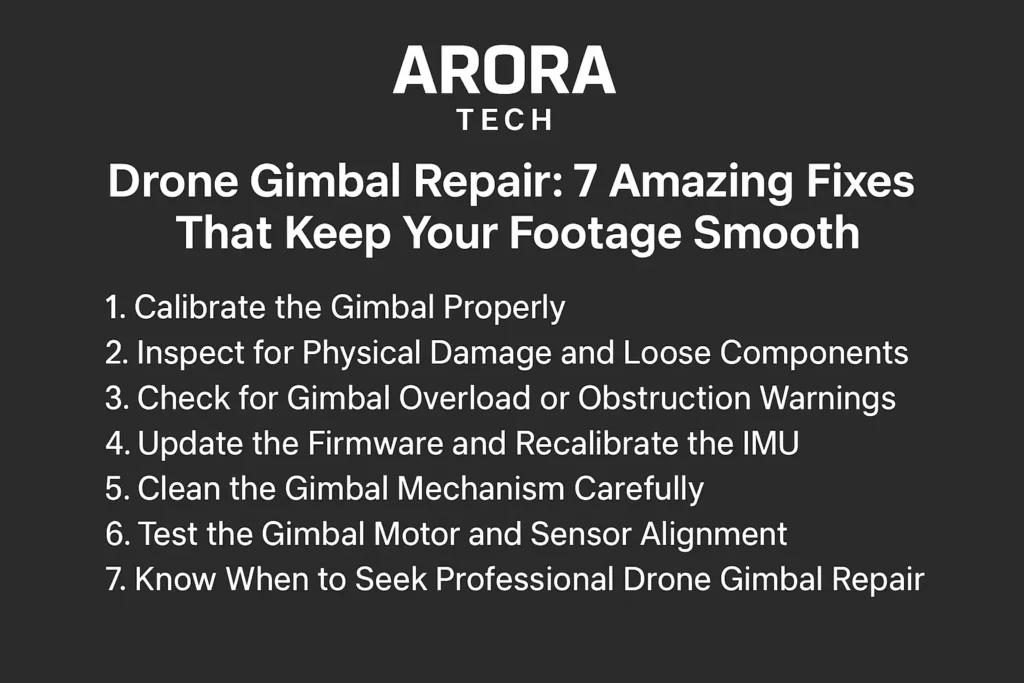
1. Calibrate the Gimbal Properly
One of the simplest yet most effective solutions for stabilizing a shaky drone camera is gimbal calibration. Over time, minor vibrations, software updates, or physical knocks can cause the gimbal to lose its sense of “level.”
Most modern drones, such as DJI and Autel models, include a “Gimbal Auto Calibration” option in their companion apps. Before launching your drone, make sure:
- The drone is on a flat surface.
- There’s no wind or vibration.
- The camera lens is clean.
- The firmware is updated to the latest version.
Calibration helps realign the gimbal motors, ensuring that your footage remains stable even during sharp turns or altitude changes. If calibration fails repeatedly, it might indicate an underlying hardware issue, like a misaligned motor or damaged sensor — a problem that may require professional Drone Gimbal Repair.
At Arora Tech, technicians use factory-grade tools to recalibrate gimbals precisely, restoring full motion stability without risking further component strain.
2. Inspect for Physical Damage and Loose Components
Even a minor bump during landing can affect the gimbal’s balance. The first step in diagnosing physical issues is to inspect all gimbal components closely. Look for:
- Bent or cracked gimbal arms
- Loose ribbon cables
- Warped vibration-absorbing mounts
- Dirt or sand lodged between moving parts
Small cracks or loosened connectors can cause inconsistent stabilization and jerky movement. Avoid forcing any part of the gimbal into place — the internal sensors are extremely delicate.
If you notice rattling sounds or stiffness when you move the camera manually, it’s best to stop and have it checked by experts who specialize in Drone Gimbal Repair.
You can bring your drone directly to Arora Tech, located Next to UGG’s, 100 Premium Outlets Dr Store #785, Gloucester Premium Outlets, Blackwood, NJ 08012, United States. Their technicians are trained to detect even microfractures that DIY checks might miss.
3. Check for Gimbal Overload or Obstruction Warnings
Many drone pilots encounter a “Gimbal Overload” warning during takeoff. This often means that something — even something tiny — is obstructing the gimbal’s range of motion.
Here’s what to do:
- Power off your drone.
- Gently remove the camera protector or any mounted filter.
- Inspect the gimbal for dust, hair, or small particles.
- Make sure the gimbal moves freely in all directions by hand (with power off).
If the overload warning persists after clearing obstructions, internal resistance may be at play — possibly due to a faulty motor or sensor imbalance. In that case, a professional Drone Gimbal Repair is needed.
Avoid spraying compressed air or applying excessive force. Instead, seek qualified repair specialists who can safely disassemble and reassemble the unit. At Arora Tech, technicians use non-static tools and microscopic inspection techniques to safely eliminate internal obstructions without harming your drone.
4. Update the Firmware and Recalibrate the IMU
Sometimes, the problem isn’t mechanical — it’s digital. The drone’s gimbal system communicates with its flight controller via firmware. If your footage tilts, jitters, or drifts after a recent update, the software might need to be reinstalled or recalibrated.
Steps you can take:
- Use the official DJI Fly or Autel Explorer app to check for firmware updates.
- Recalibrate the IMU (Inertial Measurement Unit) after updating.
- Restart the drone and test gimbal responsiveness manually.
If these steps don’t fix the issue, your drone’s gimbal control board could be desynchronized. This type of electronic misalignment often requires advanced diagnostics.
That’s where a professional Drone Gimbal Repair service like Arora Tech can make a difference. With specialized diagnostic software, they can flash firmware, restore calibration protocols, and test the gimbal in flight conditions — something most users can’t do at home.
5. Clean the Gimbal Mechanism Carefully
Dust, saltwater, and oil residues can easily affect the performance of your gimbal’s motors and sensors. If you frequently fly near beaches or construction sites, cleaning your gimbal regularly is essential.
Here’s how to clean safely:
- Use a soft microfiber cloth to wipe the lens and visible parts.
- A small, anti-static brush can help remove dust between joints.
- Avoid any harsh cleaners — use isopropyl alcohol (70%) sparingly.
- Never spray directly onto the gimbal.
If corrosion or residue is already visible, internal disassembly might be required. Don’t risk it with DIY — a minor slip can damage the ribbon cable or motor encoder.
For persistent grime or salt buildup, visit Arora Tech’s service center. Their professionals use ultrasonic cleaning techniques that restore your gimbal’s mechanical precision without introducing static or residue.
6. Test the Gimbal Motor and Sensor Alignment
Each axis on your gimbal (pitch, roll, and yaw) is powered by a precise brushless motor and controlled by sensors. If one axis doesn’t respond, the cause might be a faulty motor or a damaged flex cable.
You can test alignment by:
- Powering the drone and watching for smooth initialization.
- Observing if one side of the gimbal twitches or hangs during startup.
- Listening for unusual buzzing or clicking sounds.
If the gimbal doesn’t center itself properly, or you see “Gimbal Stuck” warnings, it’s time for deeper diagnostics. Attempting to open the gimbal housing at home can lead to irreversible damage — especially with newer DJI models where parts are soldered and sealed.
A professional Drone Gimbal Repair team can test each motor’s electrical resistance, realign the sensors, and replace faulty components safely.
You can also fill out Arora Tech’s Repair Form to book a quick diagnosis appointment before visiting the store.
7. Know When to Seek Professional Drone Gimbal Repair
Even the most careful drone pilots sometimes face gimbal malfunctions beyond home repair. Common signs that you need expert help include:
- The camera shakes even on the ground.
- You hear grinding or humming from the gimbal.
- The camera doesn’t level correctly after startup.
- You’ve tried calibration, but the issue persists.
At this stage, continuing to troubleshoot on your own can cause more harm than good. Gimbals are made of lightweight alloys, delicate flex cables, and ultra-precise sensors — one wrong twist can destroy them.
Bringing your drone to professionals ensures not only accurate repairs but also firmware re-synchronization, internal cleaning, and mechanical rebalancing.
At Arora Tech, the repair process includes:
- Free diagnosis and inspection
- Genuine part replacements
- Waterproofing checks
- Post-repair calibration testing
Located conveniently Next to UGG’s at Gloucester Premium Outlets, Store #785, Blackwood, NJ 08012, Arora Tech is your go-to destination for Drone Gimbal Repair, as well as smartphone, camera, and laptop servicing.
For quick assistance, call +1 856-723-6939 or email techbyarora@gmail.com.
Pro Tips for Long-Term Drone Gimbal Care
While repairing is crucial, preventing gimbal issues is even better. Here are a few quick habits to extend your gimbal’s lifespan:
- Always attach the gimbal cover when transporting your drone.
- Avoid flying in heavy rain, fog, or dusty conditions.
- Store your drone in a dry, temperature-controlled environment.
- Don’t power up your drone while holding the gimbal — it can strain the motors.
- Perform regular firmware updates and calibrations.
Small steps like these can help avoid the need for expensive Drone Gimbal Repair in the first place.
Conclusion: Keep Your Drone Smooth, Keep Your Footage Stunning
Your drone’s gimbal is its most delicate yet essential part. Treating it with care ensures you continue to capture cinematic, shake-free footage every time you fly.
However, when problems arise — from mechanical imbalances to calibration errors — understanding the right fixes and knowing when to seek professional help can save both your footage and your wallet.
For those near Blackwood, NJ, Arora Tech is the trusted name for all kinds of Drone Gimbal Repair, camera, and electronic servicing. Whether you’re a hobbyist or professional filmmaker, their expert technicians will restore your gear to perfect working condition.
You can also find them easily via their Google profile here. Drop by, call now at +1 856-723-6939, or email techbyarora@gmail.com to schedule your repair.

 by
by