
Introduction
Drone Repair has become an essential service for hobbyists, professionals, and businesses that rely on drones for photography, videography, mapping, deliveries, and even inspections. When drones encounter problems, the immediate question is: fix it yourself or get professional help?
In this blog, we’ll break down the 7 most common problems drone owners face, explore why they happen, and explain how drone repair services like those offered at Arora Tech can restore your flying companion safely and effectively.
By the end, you’ll know exactly how to respond when your drone malfunctions, and you’ll also discover why having a trusted repair partner nearby is invaluable.
Why Drone Repair Matters
- Drones are complex machines with motors, sensors, GPS modules, cameras, and batteries that all need to work seamlessly.
- A minor issue can quickly escalate into a major failure if left unchecked.
- DIY fixes sometimes work but often cause further damage, especially if the problem involves sensitive electronics.
- Professional drone repair ensures safety, reliability, and longevity of your investment.
At Arora Tech, we’ve seen drones come in with everything from bent propellers to fried circuit boards, and we’ve helped owners get back to flying faster than they imagined.
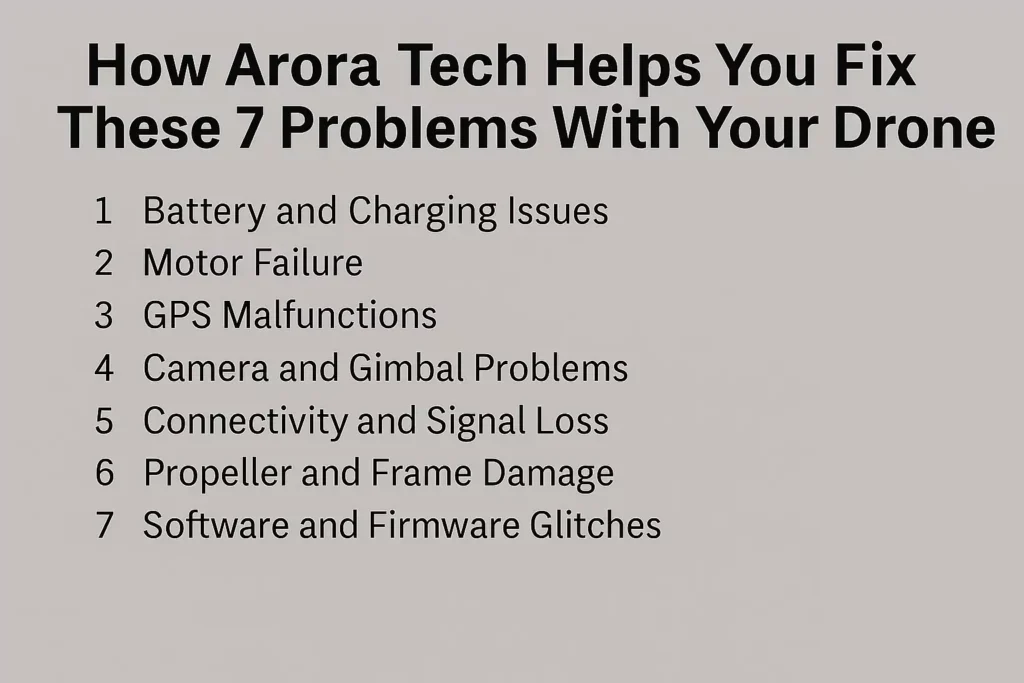
Drone Repair Problem 1: Battery and Charging Issues
Symptoms
- Drone won’t power on.
- Battery drains too quickly.
- Charging light doesn’t appear.
Causes
- Overuse and improper charging cycles.
- Faulty charging cables or adapters.
- Swollen or damaged lithium-polymer batteries.
Fixes
- Replace with certified batteries.
- Use only original or high-quality chargers.
- At Arora Tech, we perform battery health diagnostics to determine whether it’s safe to continue using your existing battery or if replacement is necessary.
Drone Repair Problem 2: Motor Failure
Symptoms
- Drone tilts to one side during flight.
- One propeller isn’t spinning.
- Grinding or clicking noises from motor.
Causes
- Dust and debris inside motors.
- Worn-out bearings.
- Physical impact or water damage.
Fixes
- Clean and lubricate motors.
- Replace faulty motors with manufacturer-approved parts.
- Drone repair professionals at Arora Tech often use specialized calibration tools to ensure motors are spinning at the correct RPMs.
Drone Repair Problem 3: GPS Malfunctions
Symptoms
- Drone can’t lock onto satellites.
- Inaccurate positioning.
- Flyaways or sudden drifts.
Causes
- Software bugs.
- Damaged GPS antenna or module.
- Interference from nearby structures.
Fixes
- Update firmware regularly.
- Replace GPS module if damaged.
- Run a compass calibration before flights.
Arora Tech has diagnostic software that pinpoints GPS issues, saving drone owners hours of troubleshooting.
Drone Repair Problem 4: Camera and Gimbal Problems
Symptoms
- Shaky or blurry video.
- Gimbal not stabilizing.
- Camera not powering on.
Causes
- Loose gimbal ribbon cables.
- Motor misalignment.
- Cracks from hard landings.
Fixes
- Replace or reseat gimbal ribbon cables.
- Calibrate gimbal settings.
- Professional repair ensures your drone repair restores crisp image quality for aerial photography.
Drone Repair Problem 5: Connectivity and Signal Loss
Symptoms
- Remote controller loses connection.
- Weak video feed.
- Drone disconnects mid-flight.
Causes
- Faulty antennas.
- Firmware mismatches.
- Flying beyond range.
Fixes
- Replace broken antennas.
- Ensure firmware compatibility.
- Use range extenders if needed.
At Arora Tech, we help customers avoid total losses by diagnosing signal integrity issues before they lead to crashes.
Drone Repair Problem 6: Propeller and Frame Damage
Symptoms
- Drone vibrates excessively.
- Cracks in frame.
- Drone won’t take off properly.
Causes
- Collisions with objects.
- Hard landings.
- Cheap aftermarket propellers.
Fixes
- Replace propellers in sets to maintain balance.
- Use carbon-fiber reinforced parts for durability.
- At Arora Tech, we recommend only manufacturer-approved spares for long-term safety.
Drone Repair Problem 7: Software and Firmware Glitches
Symptoms
- Drone won’t update firmware.
- Flight modes malfunction.
- Random mid-air freezes.
Causes
- Interrupted updates.
- Corrupted files.
- Incompatible software.
Fixes
- Reinstall firmware.
- Reset to factory settings.
- Professional drone repair ensures bugs don’t turn into dangerous malfunctions.
Why Professional Drone Repair Beats DIY
Advantages of Professional Repair
- Specialized tools and diagnostics.
- Manufacturer-certified parts.
- Warranty-backed repairs.
- Time-saving efficiency.
Risks of DIY
- Accidental damage to circuit boards.
- Wrong part replacements.
- Safety hazards from faulty repairs.
At Arora Tech, we’ve had multiple customers bring in drones after failed DIY attempts, and we’ve been able to reverse the damage.
Drone Repair: Maintenance Tips to Prevent Problems
- Keep firmware updated.
- Store batteries at 50% charge if unused for long periods.
- Clean motors after flights in dusty areas.
- Inspect propellers before every flight.
- Transport drones in padded cases.
Prevention is the cheapest form of drone repair.
Why Choose Arora Tech for Drone Repair
- Convenient location: Google Maps Address
- Trusted services: Our Services
- Easy booking: Repair Form
- Contact anytime: Call Now | Email
We’ve built our reputation on being approachable, knowledgeable, and efficient—qualities that drone owners value when their investment is on the line.
Conclusion
Drone Repair is not just about fixing a flying gadget—it’s about restoring a tool that helps capture memories, run businesses, and fuel hobbies. By knowing the seven most common problems and trusting professionals like Arora Tech, you ensure safe skies and longer drone life.
For expert service, visit us at Next to UGG’s, 100 Premium Outlets Dr Store #785, Gloucester Premium Outlets, Blackwood, NJ 08012, United States.
👉 Learn more about us: About Arora Tech
👉 Visit our Google Profile: Arora Tech New Jersey






One Response
I don’t think the title of your article matches the content lol. Just kidding, mainly because I had some doubts after reading the article.