
Introduction: Why Laptop Keyboard Repair Deserves Your Attention
Your laptop’s keyboard is the bridge between you and your digital world — whether you’re typing an email, coding, or gaming. Yet, it’s often the first part to fail. Many users assume a broken keyboard means buying a new laptop, but that’s rarely true.
Laptop Keyboard Repair is often affordable, efficient, and essential for extending your device’s lifespan. In fact, most issues — from stuck keys to liquid damage — can be fixed by professionals within hours.
At Arora Tech, we’ve repaired hundreds of laptop keyboards from brands like HP, Dell, Lenovo, Acer, Asus, MacBook, and more. Before you replace your entire machine, here are 10 crucial truths about Laptop Keyboard Repair that can truly save you money.
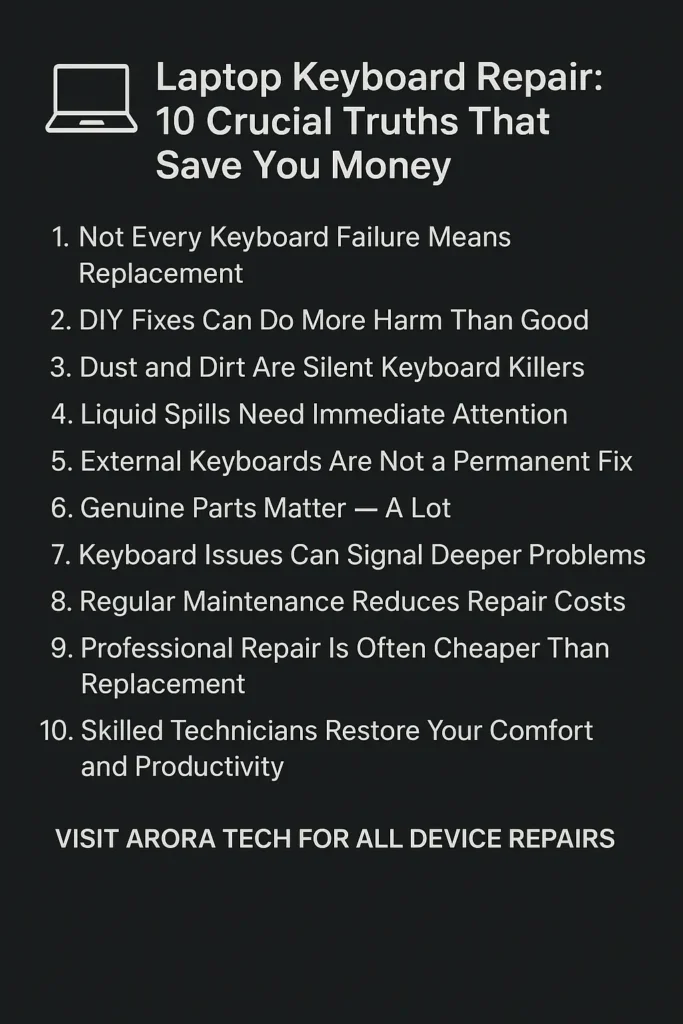
Truth #1: Not Every Keyboard Failure Means Replacement
Many users assume that when keys stop working, the entire keyboard needs replacing. That’s not always the case.
In fact, Laptop Keyboard Repair often involves cleaning the internal membrane, reseating the ribbon cable, or fixing contact points — not full replacement.
When Repair Is Enough
- Single or few keys not working
- Sticky or slow keys due to debris
- Accidental liquid spills cleaned promptly
When Replacement Is Necessary
- Multiple dead keys across the board
- Ribbon cable corrosion
- Damaged internal circuits
💡 At Arora Tech, our technicians diagnose the root cause before recommending repair or replacement — saving you unnecessary costs.
Truth #2: DIY Fixes Can Do More Harm Than Good
Online tutorials might make Laptop Keyboard Repair look simple, but one wrong move can damage your motherboard or void your warranty.
We’ve seen cases where users tried prying off keys with screwdrivers, using alcohol excessively, or even using hairdryers to “fix” sticky keys — only to melt components underneath.
Why Professional Repair Is Safer
- Technicians use anti-static tools to prevent short-circuits.
- Proper cleaning solvents avoid corrosion.
- Certified parts ensure full key functionality.
⚙️ Instead of risking permanent damage, it’s wiser to get a free quote via our repair form or visit us directly at Next to UGG’s, 100 Premium Outlets Dr Store #785, Gloucester Premium Outlets, Blackwood, NJ 08012 (Map).
Truth #3: Dust and Dirt Are Silent Keyboard Killers
Over time, dust particles, crumbs, and lint can accumulate beneath the keys. This affects how keys respond and can eventually lead to failure.
Preventive Tips for Longer Keyboard Life
- Regularly clean with compressed air.
- Avoid eating near your laptop.
- Use a silicone keyboard cover for extra protection.
Laptop Keyboard Repair becomes inevitable if these contaminants go unchecked for months. Even a simple cleaning session from professionals can restore your typing speed and comfort instantly.
Truth #4: Liquid Spills Need Immediate Attention
Coffee, soda, and water are among the top causes of Laptop Keyboard Repair requests at Arora Tech.
If you spill something, immediately power off your laptop, unplug it, and avoid pressing any keys. The liquid can short the keyboard circuitry or seep into the motherboard.
What to Do After a Spill
- Turn off and disconnect your device.
- Flip it upside down to let gravity drain excess liquid.
- Do not use heat.
- Bring it to a technician immediately.
Professional technicians can open the casing, clean contacts using specialized isopropyl solutions, and test circuits — often saving the device before corrosion spreads.
Truth #5: External Keyboards Are Not a Permanent Fix
Many users plug in an external USB keyboard when their laptop keyboard fails — and leave it at that. While it’s a quick fix, it’s not sustainable.
A faulty built-in keyboard can still draw power, send erroneous signals, and even cause boot errors. Over time, it affects the device’s performance and battery life.
Getting your Laptop Keyboard Repair done ensures your internal keyboard doesn’t interfere with other components — keeping your laptop reliable for years.
Truth #6: Genuine Parts Matter — A Lot
One of the biggest mistakes people make is opting for low-cost replacement keyboards from unauthorized sellers. Cheap parts may look identical but often:
- Use fragile connectors
- Have inconsistent key pressure
- Lack proper backlighting
At Arora Tech, we only use genuine or high-grade OEM parts for every Laptop Keyboard Repair. This ensures your laptop feels exactly like it did when new — or better.
Truth #7: Keyboard Issues Can Signal Deeper Problems
Sometimes a malfunctioning keyboard isn’t the problem itself — it’s the symptom.
Faulty keyboard behavior (like multiple keys typing together) could be due to:
- Faulty motherboard circuits
- Shorted connectors
- Firmware issues
At Arora Tech, our repair team runs comprehensive diagnostics before any Laptop Keyboard Repair. If your issue lies deeper than the keyboard, we fix that first — ensuring your repair truly lasts.
Truth #8: Regular Maintenance Reduces Repair Costs
Just like car maintenance, laptops benefit from regular tune-ups. Cleaning fans, ports, and keyboards prevent buildup and damage over time.
Recommended Maintenance Routine
- Quarterly dust cleaning
- Annual keyboard inspection
- Checking for loose ribbon connectors
By scheduling preventive care, you can avoid 70% of common Laptop Keyboard Repair costs. Arora Tech offers affordable annual maintenance plans that keep your devices running smoothly.
Truth #9: Professional Repair Is Often Cheaper Than Replacement
A high-quality laptop keyboard replacement typically costs between $60–$150 — far less than buying a new laptop worth $800+.
At Arora Tech, we often see customers who nearly spent on a new laptop before learning their keyboard issue was a $90 fix.
Laptop Keyboard Repair doesn’t just save you money — it’s sustainable and eco-friendly, reducing e-waste.
Truth #10: Skilled Technicians Restore Your Comfort and Productivity
Let’s be honest — typing on a malfunctioning keyboard is pure frustration. Missed keys, repeating characters, or sticky buttons can slow you down immensely.
When you choose Laptop Keyboard Repair from professionals like Arora Tech:
- You get precise workmanship.
- Your device feels factory-fresh.
- You regain comfort and confidence in your work.
We know that your laptop is more than just a device — it’s your livelihood, your connection, your creativity. That’s why our repairs focus not just on functionality, but also on restoring your comfort.
Bonus Tip: How to Know When It’s Time for Laptop Keyboard Repair
Here’s a quick checklist to help you decide if you need immediate repair:
- Certain keys don’t respond or type incorrectly.
- Keys feel physically stuck or loose.
- Backlight flickers or goes out.
- You notice input lag or ghost typing.
- Liquid or dust exposure occurred recently.
If one or more of these sound familiar, book your repair now using our Repair Form.
Why Choose Arora Tech for Laptop Keyboard Repair?
Located Next to UGG’s, 100 Premium Outlets Dr Store #785, Gloucester Premium Outlets, Blackwood, NJ 08012, Arora Tech specializes in Laptop Keyboard Repair, screen replacement, battery service, and full diagnostics.
What Sets Us Apart
- Certified technicians with years of experience
- Quick turnaround times
- Genuine parts and transparent pricing
- In-store and online booking options
For inquiries, call us at +1 856-723-6939 or email techbyarora@gmail.com.
You can also explore more repair solutions and guides on our Blog.
Conclusion: Smart Repairs, Smart Savings
Laptop keyboards fail — but that doesn’t mean your laptop is finished.
By understanding these 10 crucial truths about Laptop Keyboard Repair, you can avoid overspending, protect your device, and extend its life.
Whether it’s a stuck key, liquid damage, or complete failure, expert repair remains your best investment.
Visit Arora Tech today or stop by our store at Gloucester Premium Outlets, NJ, to experience professional Laptop Keyboard Repair done right.






2 Responses
Your point of view caught my eye and was very interesting. Thanks. I have a question for you.
Your point of view caught my eye and was very interesting. Thanks. I have a question for you.